

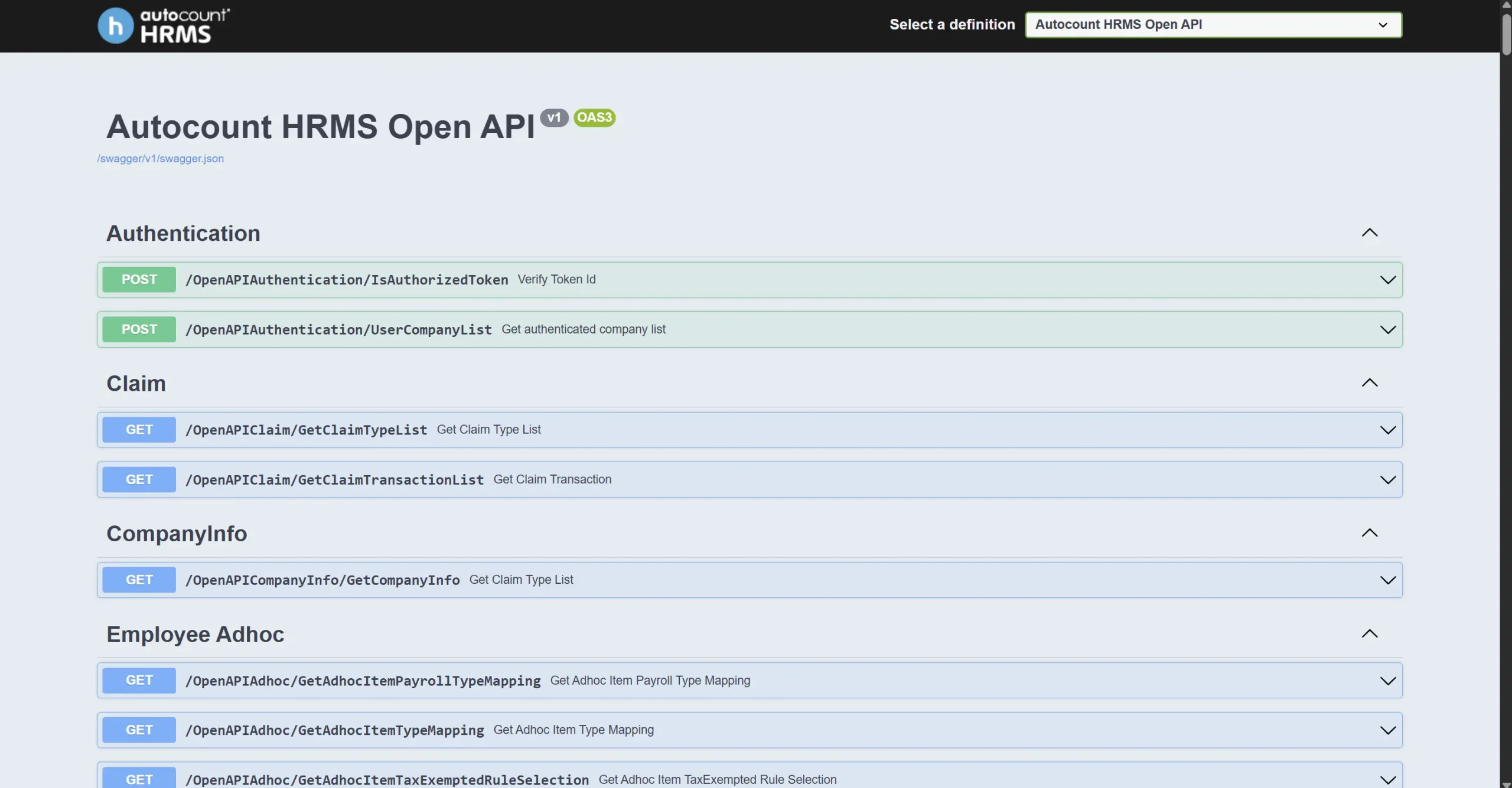
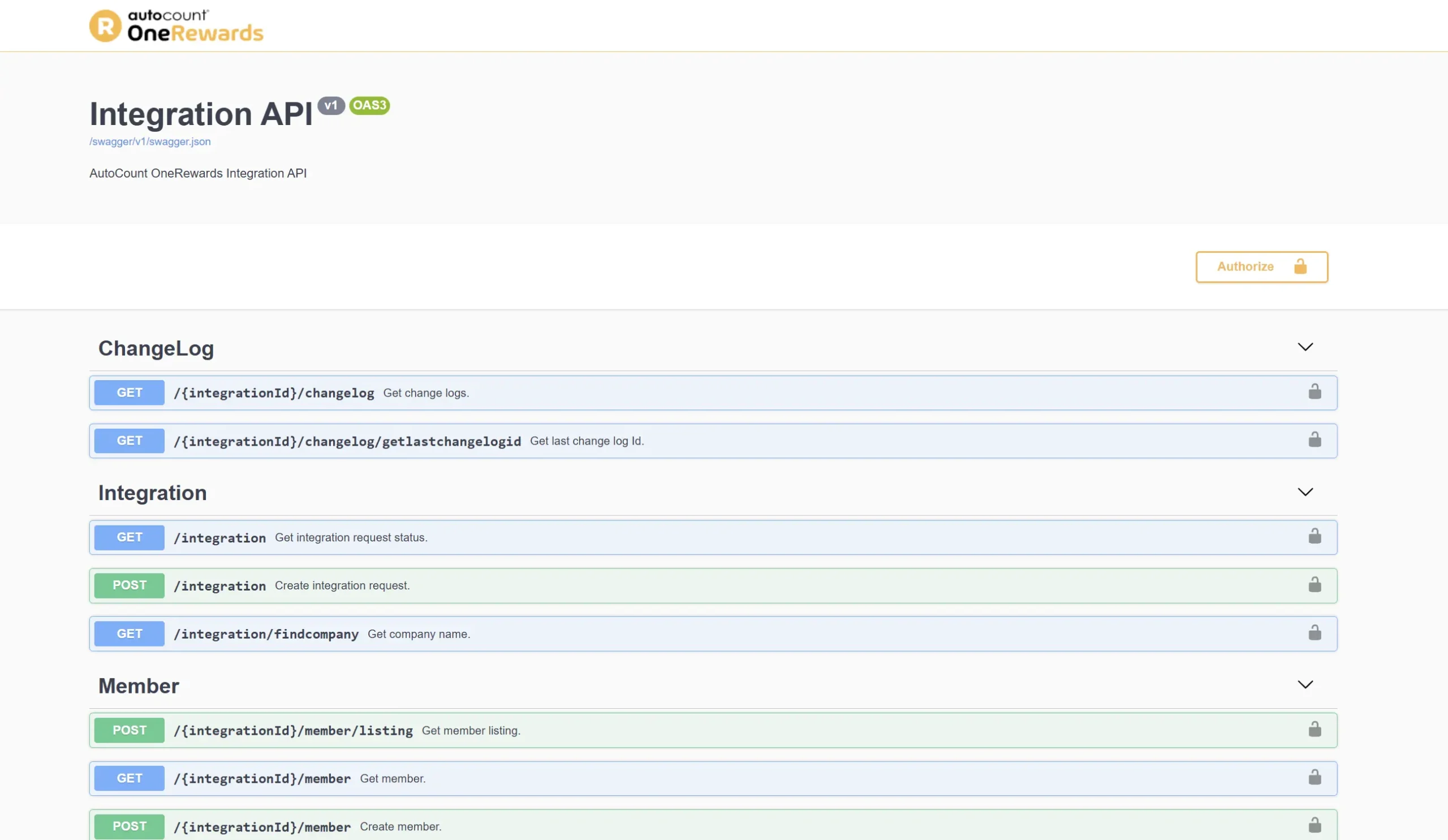
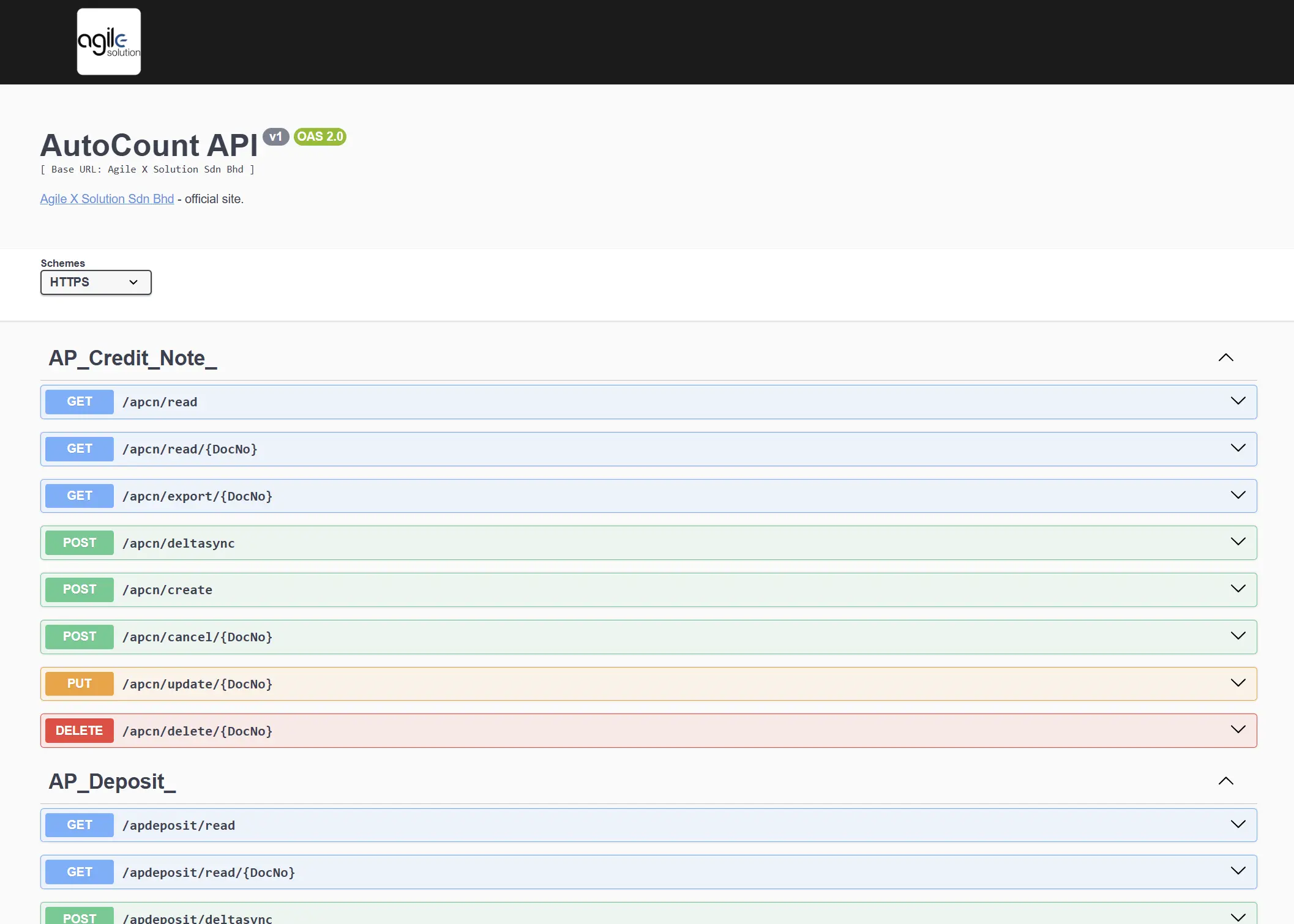
Why Integrate with the AutoCount API?
AutoCount Real-Time Data Sync
Stop batch processing. Sync sales, inventory levels, and customer details instantly between your external apps and your core accounting system.
Zero Human Error
API integration automates your work flow, ensuring your system are 100% accurate and audit-ready.
Scalable Architecture
whether you process 10 or 10,000 transactions a day, the API handles the load without requiring additional finance staff.
Browse AutoCount API Documentation
Technical Reference & Integration Frameworks
AutoCount API Integration: Developer Quick Start
Before diving into the endpoints, developers should follow this standard protocol to ensure a secure and stable integration using the AutoCount API documentation.
Identify Your Platform Version
The ecosystem is split between Desktop and Cloud. The AutoCount API documentation differs for each: Desktop uses .NET plugins, while Cloud uses the AutoCount REST API standard.
Authenticate via OAuth2 or Key
Secure your connection. For Cloud integrations, obtain your Client ID and Secret. Refer to the ‘Authentication’ section in the AutoCount API documentation to handle token refreshes correctly.
Test in Sandbox Environment
Never develop on a live ledger. Use the sandbox credentials provided in the AutoCount developer guide to simulate invoices and journal entries safely.
LEt’s Work Together with Agile X solution
Ready to Transform Your Business with Agile X Solution?
Stay Connected
Contact Agile X Solution today to find out how we can help you achieve seamless financial management and operational efficiency with the right software and custom solutions.