
AutoCount MCPfor AI Agents.
AutoCount MCP is AutoCount’s Model Context Protocol connector. It lets AI assistants such as Claude and ChatGPT securely query your AutoCount Cloud Accounting data and answer in plain language, through defined, permissioned tools rather than open database access.






What You Can Do
What You Can Do With
AutoCount MCP.
Each capability maps to a defined tool on the MCP server, not free-form access to your database. Ask in plain language; the assistant calls the matching tool and reports what comes back.
Receivables & Ageing
Ask which customers are overdue, check an invoice’s status, or pull a debtor’s outstanding balance, resolved against real customer codes.
Sales Insight
Ask for monthly sales summaries, leading customers, or sales-agent contribution, pulled from the same ledger the accounts team works from.
Stock & Pricing
Check stock levels, item details, or price history without opening the inventory module.
General Ledger
Query the GL ledger, journal transactions or bankbook analysis for a chosen period.
Bank Reconciliation
List bank and cash accounts, then work through unreconciled transactions against a statement.
Documents & Records
Search transactions, fetch a specific document, and export it when it’s needed elsewhere.
How It Works
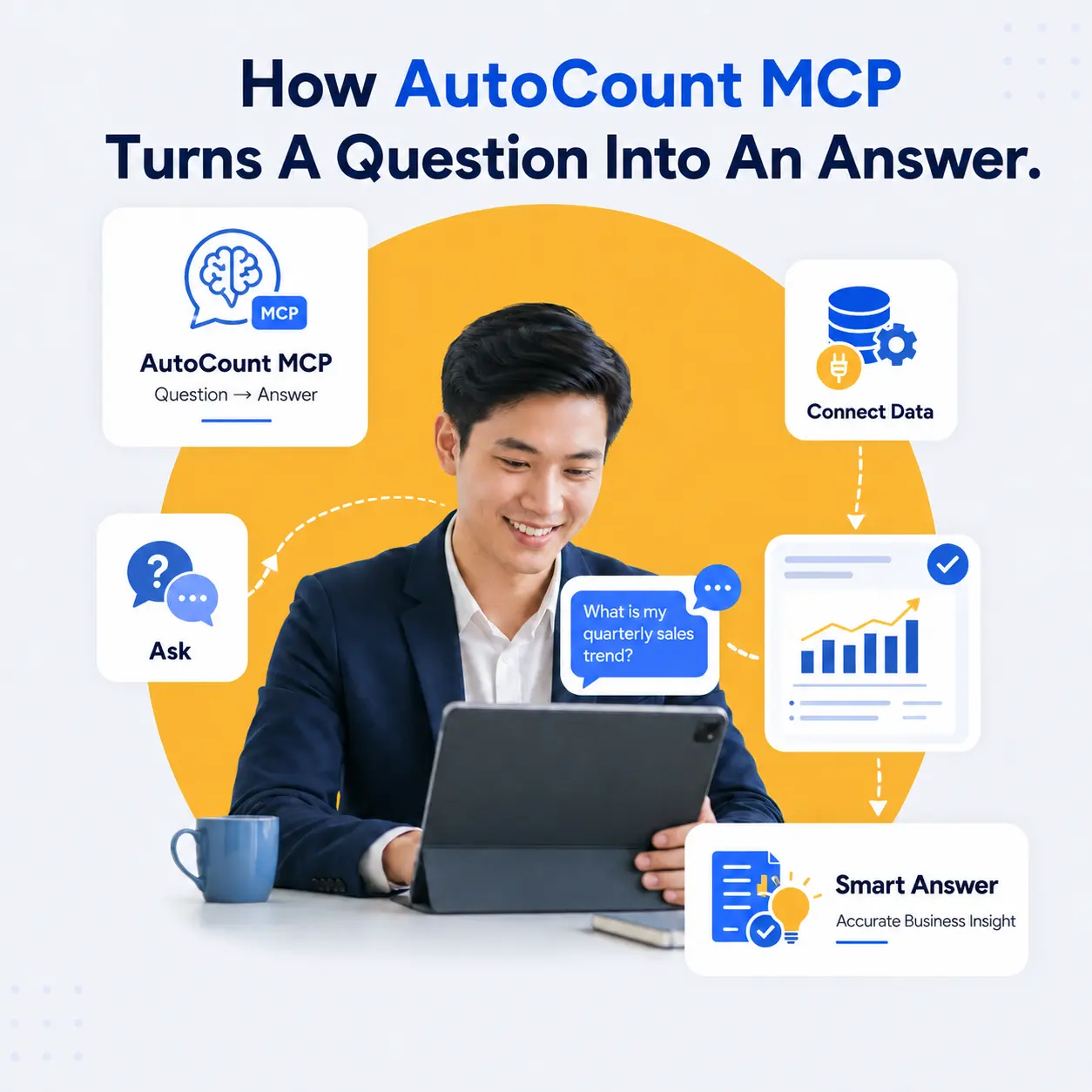
How AutoCount MCP Turns
A Question Into An Answer.
MCP (Model Context Protocol) is an open standard that lets an AI assistant call named tools instead of improvising. The AutoCount API is the raw interface developers code against; AutoCount MCP wraps that same data so an AI assistant can call it directly inside a conversation, with no custom integration built per AI tool.
- You ask a question in plain language.
- The assistant calls the matching AutoCount MCP tool.
- The server runs that query against your real company file.
- The answer returns as structured data, not a paraphrase.



How It Behaves
Rules That Keep The Answers Trustworthy
These are properties of the server itself, not settings anyone has to remember.
Codes Are Never Guessed
Internal codes are resolved by lookup first. A customer name is never turned into an account number by inference.
Question-Shaped Tools
Common questions have their own dedicated tool, so an answer takes one call rather than a chain of generic ones.
Schema-Aware
Available modules and report keys are discovered before anything is queried.
Unambiguous Dates
All dates are handled in ISO format, so period boundaries are never misread.
Write Control
Record creation, updates, cancellation and reconciliation writes can be disabled for an account.


Live Ledger Safety
Designed Around A
Real Accounting File.
The server runs against a live ledger, so its defaults are conservative. Reading is the normal mode of operation, writes are a separate and controllable capability, one company file is served per connection, and a refusal is reported plainly rather than worked around.
Common Questions
AutoCount MCP, Answered
The questions that come up before a setup call.
Finance
Collections
“Who owes us money right now?” Ageing brackets and outstanding invoices come back per customer, resolved against real account codes, without opening a report screen.
Compatibility
Supported Assistants
“Which AI assistants work with AutoCount MCP?” Any MCP-compatible client can connect, including Claude and ChatGPT. It connects to the AutoCount MCP server as a connector, then queries your data inside the chat.
Coverage
Cloud vs. Desktop
“Does this work with AutoCount desktop?” AutoCount MCP runs on the AutoCount Cloud Accounting API, so it applies to AutoCount Cloud. Desktop and on-premise installations use a separate integration path.
LEt’s Work Together with Agile X solution
Ready to Transform Your Business with Agile X Solution?
Stay Connected
Contact Agile X Solution today to find out how we can help you achieve seamless financial management and operational efficiency with the right software and custom solutions.